The Bun Burrow Network
The Burrow has speedy internet, automatic lights, a camera doorbell, and electronic locks. Here’s how to utilize the network.
Wifi & Internet
Access to the Burrow’s WiFi: PacketofPeeps, will be provided via QR Code in the house.
Home Automation
Some of the Burrow’s lights, air conditioning, and living room blings are controllable via Apple Home. The iPad on the kitchen counter can be used to turn on and off lights, raise and lower the blinds, and control the min-split AC (labeled as “Sensibo”). The Scenes will handle some of the groups of lights, such as the Basement, Christmas Lights, and turning off the lights that automatically turn on.
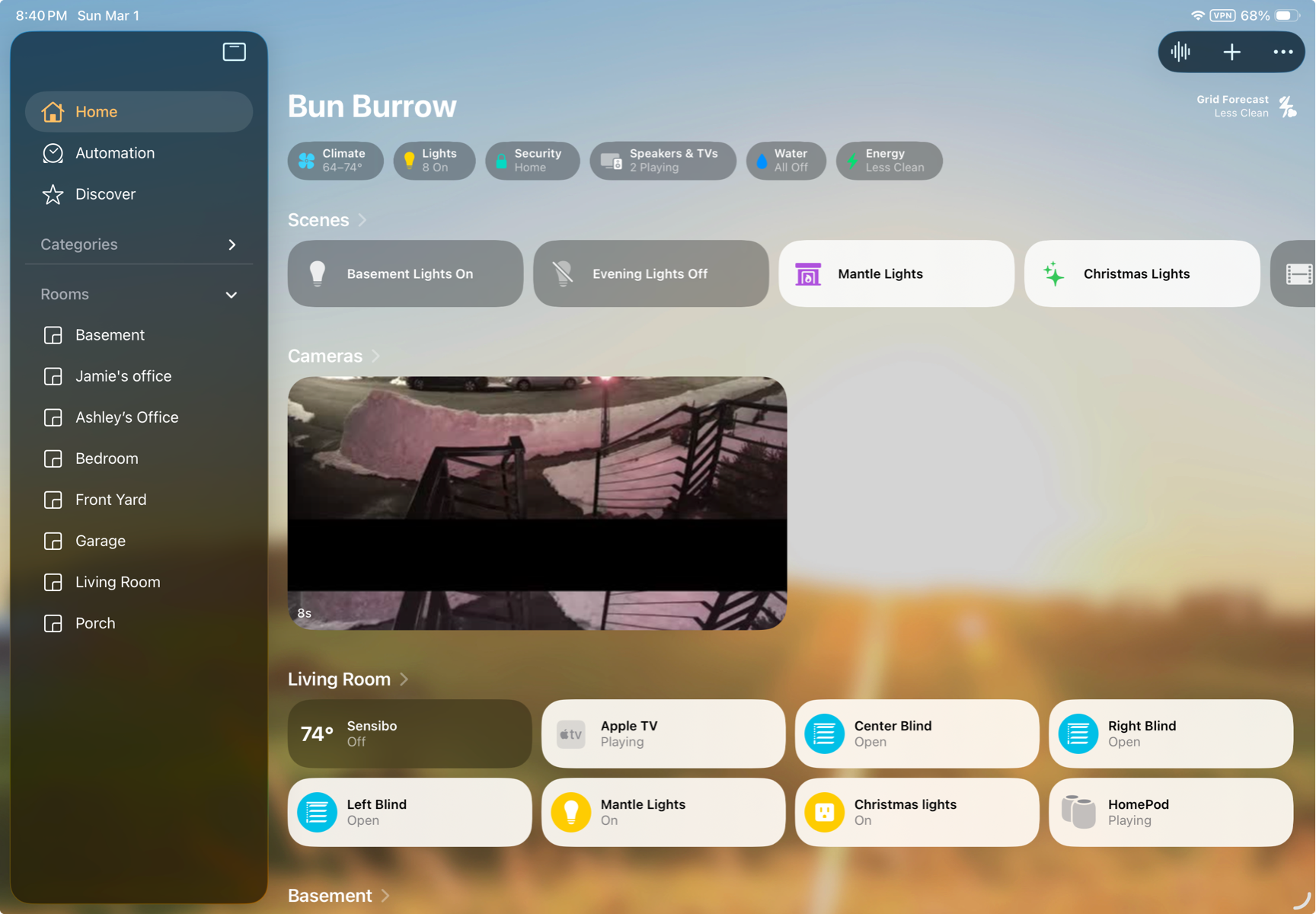
Speaking of, some lights in the living room as well as the lights in the front of the house turn on 1/2 hour before sunset, and turn off at 3am. The “Evening Lights Off” scene can be used to turn off those lights, as well as the lights in the basement.
The light switches that have lights which are part of the automation, will be labeled.
The Front Door
The Lock
The front door can be locked an unlocked by a code. We will ask you for a number of 4 to 6 digits for us to add to the lock. The method to lock and unlock the door is:
- Press the shield icon in the bottom right
- Enter your code
- Press the shield icon again in the bottom right.
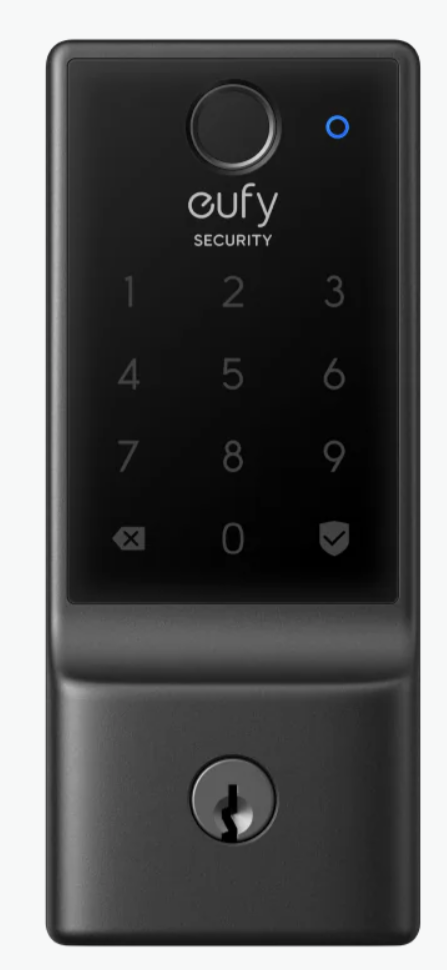
If the code was successful, the shield icon will turn blue. It will turn red if it was entered in error. If a code is entered multiple times incorrectly, there will be a brief time that it will not allow you to enter the code. If you have an issue and you are unable to use your code, we can fix it remotely, including locking and unlocking the door.
The Doorbell
The video doorbell can be used to show who is at the door. You can use the iPad in the kitchen to see who it is before opening the door. If there are any concerns about someone at the door, you can let us know and we can view the camera remotely.